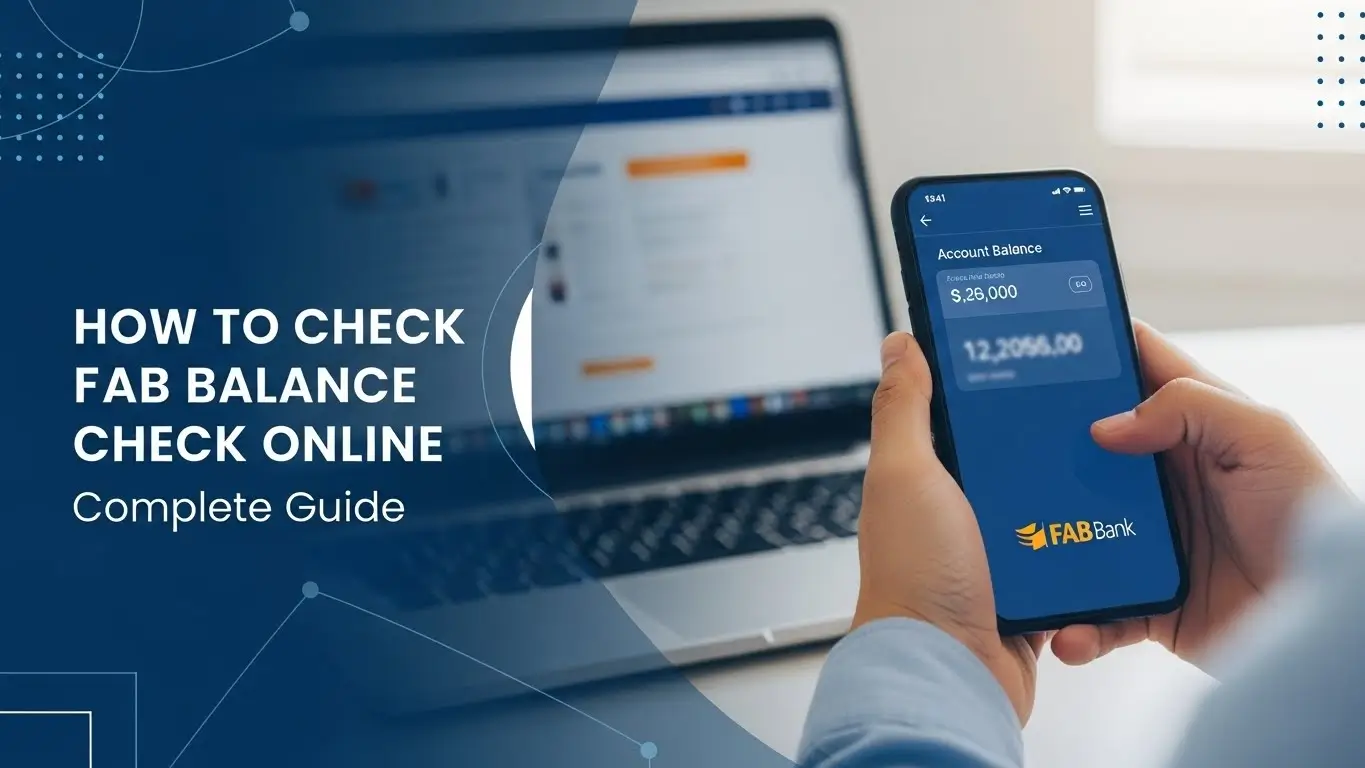
Staying updated with your FAB bank account balance is essential, especially if you use a FAB salary card, prepaid card, or FAB ATM card for everyday transactions. The FAB balance check facility allows customers to instantly view their available balance, recent transactions, and account activity with ease.
In 2026, First Abu Dhabi Bank (FAB) offers multiple secure ways to check your balance through FAB Mobile Banking, online banking, ATMs, and SMS banking services, helping UAE customers manage their finances confidently and efficiently.
Why FAB Balance Check Matters
In a world that moves quickly, waiting for bank alerts or visiting a branch just to check your balance isn’t practical. This allows you to:
• Keep track of your money anytime, anywhere
• See salary deposits as soon as they arrive
• Prevent overdrafts and unexpected charges
• Monitor card activity with confidence
• Spot unusual transactions early
With FAB’s advanced security and encryption, your financial details stay protected while giving you instant access whenever you need it.
Top Methods to Check FAB Balance (2026)
First Abu Dhabi Bank (FAB) provides fast and secure balance checks through the FAB Mobile App, Online Banking, and ATM or SMS Banking services.
1. FAB Balance Check Through Website (Online Banking)
This is the simplest option, as First Abu Dhabi Bank (FAB) SMS Banking allows you to check your balance instantly without requiring any app installation.

Steps to Check FAB Balance on Website
- Visit the official First Abu Dhabi Bank (FAB) balance check portal.
- Enter the last two digits of your FAB card.
- Enter the 16-digit Card ID number printed on your card.
- Click Login.
- Your account balance will appear instantly on the screen.
Why use this method?
This method requires no login credentials, works on any device, and is especially convenient for First Abu Dhabi Bank (FAB) Ratibi and FAB prepaid card holders who want a quick and hassle-free way to check their balance.
2. FAB Balance Check Using FAB Mobile App

If you check your balance regularly, the First Abu Dhabi Bank (FAB) Mobile App is the most convenient and efficient option.
Steps to Check Balance Using FAB Mobile App
- Download the First Abu Dhabi Bank (FAB) Mobile App from Google Play Store or Apple App Store.
- Open the app and enter your Customer ID or FAB card number.
- Enter the OTP sent to your registered mobile number or email.
- Create a PIN (for first-time users only).
- Login to the app.
- Your FAB account balance will appear instantly on the homepage.
Additional Features in FAB App
With the First Abu Dhabi Bank (FAB) Mobile App or FAB Online Banking, you can:
- View your complete FAB account transaction history
- Transfer money locally or internationally
- Pay utility bills and other payments
- Manage your FAB debit and credit cards
- Contact FAB customer support easily
3. FAB Balance Check Through ATM (Offline Method)

If you don’t have internet access, First Abu Dhabi Bank (FAB) ATMs provide the most reliable option.
Steps to Check FAB Balance on an ATM:
- Visit any FAB ATM.
- Insert your FAB debit or prepaid card.
- Select Balance Inquiry.
- Enter your ATM PIN.
- Your FAB account balance will be displayed instantly.
Benefits of this method:
- Fast
- Simple
- Ideal for non-smartphone users
FAB Salary Account Balance Check (Ratibi Card Users)
If you receive your salary through First Abu Dhabi Bank (FAB), especially via a FAB Ratibi prepaid card, checking your balance is simple. You can use:
- FAB website
- FAB Mobile App
- FAB ATMs
FAB Ratibi card users do not need a full bank account to check their salary balance—only the card number and Card ID are required.
How to Open a FAB Bank Account in 2026

First Abu Dhabi Bank (FAB) offers a variety of account types to suit your needs:
- FAB Salary Account
- FAB Savings Account
- FAB Current Account
Ways to Open a FAB Account
You can easily open an account with First Abu Dhabi Bank (FAB) through one of the following methods:
- Visit the nearest FAB branch
- Apply online through the FAB website
- Open an account using the FAB Mobile App
- Call FAB customer service for assistance
Documents Required to Open a FAB Account
To open a First Abu Dhabi Bank (FAB) account, you will need the following documents:
- Passport or Emirates ID
- Mobile number
- Address proof
- Salary slip (for FAB Salary Account)
Once your FAB account is created, you will receive a FAB debit card that can be used for balance checks, ATM withdrawals, and online payments.
How to Activate FAB Mobile Banking
To enjoy the full range of online banking features with First Abu Dhabi Bank (FAB), follow these steps to activate your FAB Mobile Banking:
Steps to Activate Mobile Banking:

- Download the FAB Mobile App from the Google Play Store or Apple App Store.
- Click Register.
- Enter your FAB debit card details.
- Enter the OTP sent to your registered mobile number.
- Create a login password and a 6-digit PIN.
- Your FAB mobile banking account will be activated instantly.
FAB Account Balance Rules:
FAB (First Abu Dhabi Bank) has different balance requirements based on the type of account:
Minimum Balance Requirements:
- Elite Savings Account: No minimum balance required.
- Personal Savings Account: A minimum balance of 3000 AED is required.
If your balance drops below 3000 AED in a Personal Savings Account, a 10 AED monthly penalty will be charged.
FAB SWIFT Code
FAB’s SWIFT Code is:
NBADAEAAXXX
This is required when sending or receiving international payments to or from your FAB account.
FAB Customer Care Contact (2026)
For any FAB-related assistance, you can reach out to:
- Within UAE: 600 52 5500
- International: +971 2 6811511
Support is also available through FAB’s social media pages for quick help.
Advantages of Using FAB Balance Check
Here are some key benefits of using the FAB Balance Check tool:
✔ Instant balance updates: Get real-time updates on your account balance.
✔ Multiple secure options: Check your balance via the FAB mobile app, the FAB website, or any FAB ATM.
✔ Salary confirmation in seconds: Quickly confirm if your salary has been credited to your FAB account.
✔ 24/7 access: Access your balance at any time, day or night, from anywhere.
✔ Helps manage budgeting & expenses: Stay on top of your spending and budget more effectively with real-time balance checks.
✔ Detects fraud or wrong deductions early: Quickly identify any unauthorized transactions or errors in your account.
Using the FAB Balance Check tool regularly ensures that your money stays secure and your financial planning stays on track with FAB’s trusted services.
FAQs (FAB Balance Check)
How can I check my FAB balance?
You can check your FAB account balance through several secure methods:
- FAB website: Access your balance online by logging into your FAB account on the FAB website.
- FAB mobile app: Use the FAB mobile banking app for instant balance updates on your smartphone.
- FAB ATMs: Visit any FAB ATM to check your balance in person.
What is the minimum balance in FAB?
- Personal Savings Accounts: A minimum balance of 3000 AED is required.
- Elite Savings Accounts: There is no minimum balance requirement for Elite Savings Accounts.
How do I check my FAB salary card balance?
To check the balance of your FAB Salary Card, go to the FAB website balance check page and enter the card’s last two digits along with the 16-digit card ID.
Is there a fee for balance inquiry?
No, checking your FAB balance is completely free. You can use the FAB mobile app, FAB website, or any FAB ATM without any charges.
What is the SWIFT code of FAB?
The SWIFT code for FAB (First Abu Dhabi Bank) is NBADAEAAXXX. This code is used for international payments and wire transfers.
Can I check my FAB balance abroad?
Yes, you can check your FAB balance from anywhere in the world using the FAB mobile app or the FAB website, as long as you have an internet connection.
How can I ensure my FAB account is secure when checking my balance?
To keep your FAB account secure when checking your balance, always use official platforms like the FAB mobile app, FAB website, or FAB ATMs. Make sure you’re on a secure internet connection and avoid public Wi-Fi networks when accessing your account information.
Conclusion
FAB Balance Check is one of the most convenient and secure ways to manage your finances in 2026. Whether you’re using a FAB Salary Card, FAB Prepaid Card, or a full FAB bank account, FAB provides multiple ways to instantly view your balance. With strong security features, real-time updates, and user-friendly tools, FAB ensures your financial life stays smooth and stress-free.
If you regularly want to monitor your FAB salary or daily transactions, using the FAB mobile app or FAB website is the smartest choice. These platforms give you quick access to your balance, allowing you to manage your finances on the go and track spending with ease.