

Virtual Nol Card: Your Digital Pass for Dubai Public Transport
Say goodbye to coins, physical cards, and long queues. With a Virtual Nol Card, your phone becomes your ticket to Dubai’s Metro, buses, trams, and even parking or small payments. No need to carry an extra card—pay directly and conveniently.
This guide will walk you through everything about the Virtual Nol Card: how it works, how to set it up, how to recharge online, and how it affects student discounts and unlimited all-zones pass pricing.
What Is a Virtual Nol Card?
A Virtual Nol Card is the digital version of a physical Nol card, stored on your smartphone. It works exactly like a plastic Nol card, letting you pay for:
- Dubai Metro
- RTA Buses & feeder buses
- Dubai Tram
- Some marine services
- Taxis
- Parking and partner shops
Simply tap your phone or smartwatch at the gate or validator. RTA supports virtual Nol cards primarily through the Nol Pay App and RTA Dubai App.
With a virtual Nol card, you can:
- Register or create a new card
- Recharge your card online
- Check trips and fares
- Link your Emirates ID (for personal/blue cards)
Fares and zone rules remain the same as with a physical card—everything just becomes more convenient on your phone.
If you’re new to Dubai, also check the Dubai Metro Map 2025 for a complete route and station overview.
Want To Learn More About Student Nol Card Dubai 2026: Eligibility Criteria, Price & How to Apply
How to Get a Digital Nol Card
Step 1: Install the App
Use either:
- Nol Pay App – official RTA app for Nol
- RTA Dubai App – supports digital Nol and other services
Always download from your phone’s official app store.
Step 2: Create or Add Your Card
Options include:
- Create a new virtual Nol card
- Check Nol card balance
- Convert an existing Silver/Gold/Blue card to digital
You’ll need:
- NFC-enabled phone
- Local mobile number
- Emirates ID (for personal/blue cards)
Step 3: Add Balance or Passes
Recharge online using:
- Credit/debit card
- Online banking
- Physical machines (balance links to your account)
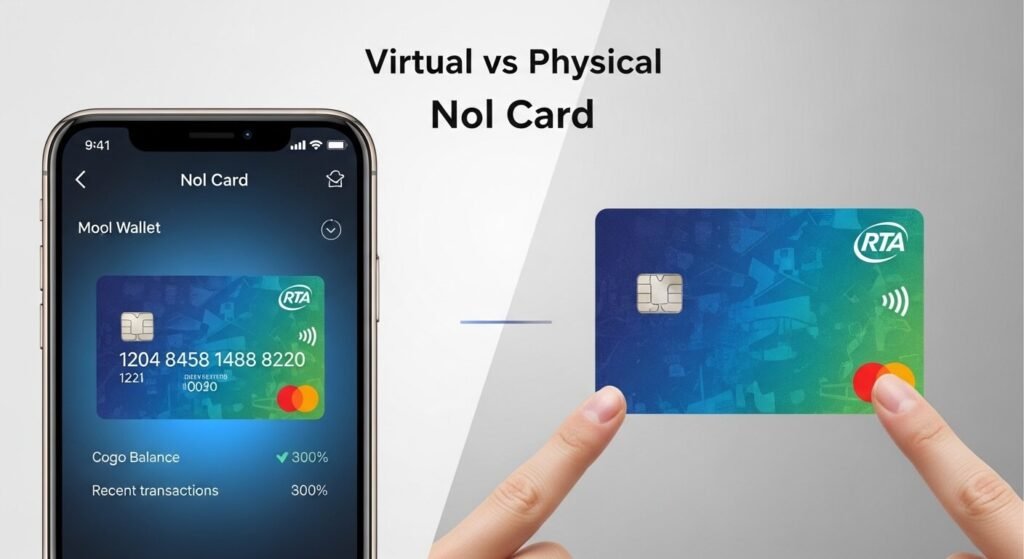
Virtual vs Physical Nol Card
| Feature | Physical Nol Card | Virtual Nol Card |
|---|---|---|
| Carrying | Wallet | Phone/app |
| Payment | Tap card | Tap phone/watch |
| Recharge | Machines, shops, apps | App + all physical options |
| Balance Check | Website, app, machine | Stored in app, with trip history |
| Risk of Loss | Easy to misplace | Safer if phone secured |
| Student Support | Yes | Yes (if linked) |
Both can coexist—many people keep a physical card as backup.
Nol Card Types & Student Discounts
Silver Nol Card – Standard card for residents & visitors, works on all public transport and partner services.
Gold Nol Card – Premium class on Metro/Tram, higher fares.
Blue/Personal Nol Card – Registered to you, ideal for students & seniors; balance recoverable.
Red Ticket (Paper) – Short-term use for tourists.
Student discounts are available only on personal/blue cards.
Nol Card Unlimited All Zones Price
Unlimited passes save money for frequent travelers. Valid on Metro, Tram, and most buses within selected zones.
7-Day Passes
| Card Type | 1 Zone | 2 Zones | All Zones |
|---|---|---|---|
| Silver | AED 50 | AED 80 | AED 110 |
| Gold | AED 100 | AED 160 | AED 220 |
| Student | AED 25 | AED 40 | AED 55 |
30-Day Passes
| Card Type | 1 Zone | 2 Zones | All Zones |
|---|---|---|---|
| Silver | AED 140 | AED 220 | AED 350 |
| Gold | AED 280 | AED 420 | AED 650 |
| Student | AED 70 | AED 110 | AED 175 |
Unlimited passes are ideal for frequent commuters or tourists covering multiple zones.
Nol Card Recharge & Balance Check
Online Options:
- Nol Pay App – NFC recharge and top-up
- RTA Website – Nol card top-up using card number
- S’hail App – Journey planning and recharge
Offline Options:
- Metro & Tram ticket machines
- RTA Customer Happiness Centres
- Bus station counters
- Grocery stores & petrol stations acting as top-up agents
Balance Check by Number:
- Go to rta.ae > Nol balance section
- Enter your Nol Tag ID (printed on the card)
- View balance & recent transactions
Both physical and digital cards support online balance check and top-up.
Visit Official RTA Website
Why a Virtual Nol Card Makes Travel Easier
- No extra card to carry—tap your phone
- Recharge & check balance anytime
- Student discounts and unlimited zone passes supported
- Quick, convenient “tap and go” for all public transport
Getting Started:
- Choose a Silver, Personal, or Blue Nol Card (with student status if eligible)
- Install Nol Pay or RTA Dubai App
- Set up your virtual Nol card and add passes or balance
You’re ready to travel Dubai’s Metro, buses, and trams with minimal hassle.
FAQs
A: A Virtual Nol Card is the digital version of a physical Nol card, stored on your smartphone. It works the same way for Metro, buses, trams, parking, and other RTA services.
A:Yes, student Nol cards can be used digitally if linked and supported in the Nol Pay or RTA Dubai app.
A: You can check your balance via the Nol Pay app, the RTA website, or by entering your Nol Tag ID in the balance check section online.
A: Prices vary by card type and duration. For example:
- Silver 30-day all zones pass: AED 350
- Student 30-day all zones pass: AED 175
A: Recharge your card via the Nol Pay app, RTA website, or other supported partner apps. Offline top-up options are also available at ticket machines, stations, and selected stores.
Conclusion
The Virtual Nol Card is a digital, convenient way to travel Dubai’s public transport system. Recharge online, check balances, and use unlimited passes—all from your phone. Student discounts and all-zone passes work the same as a physical card. Say goodbye to queues and extra cards—just tap and go.