

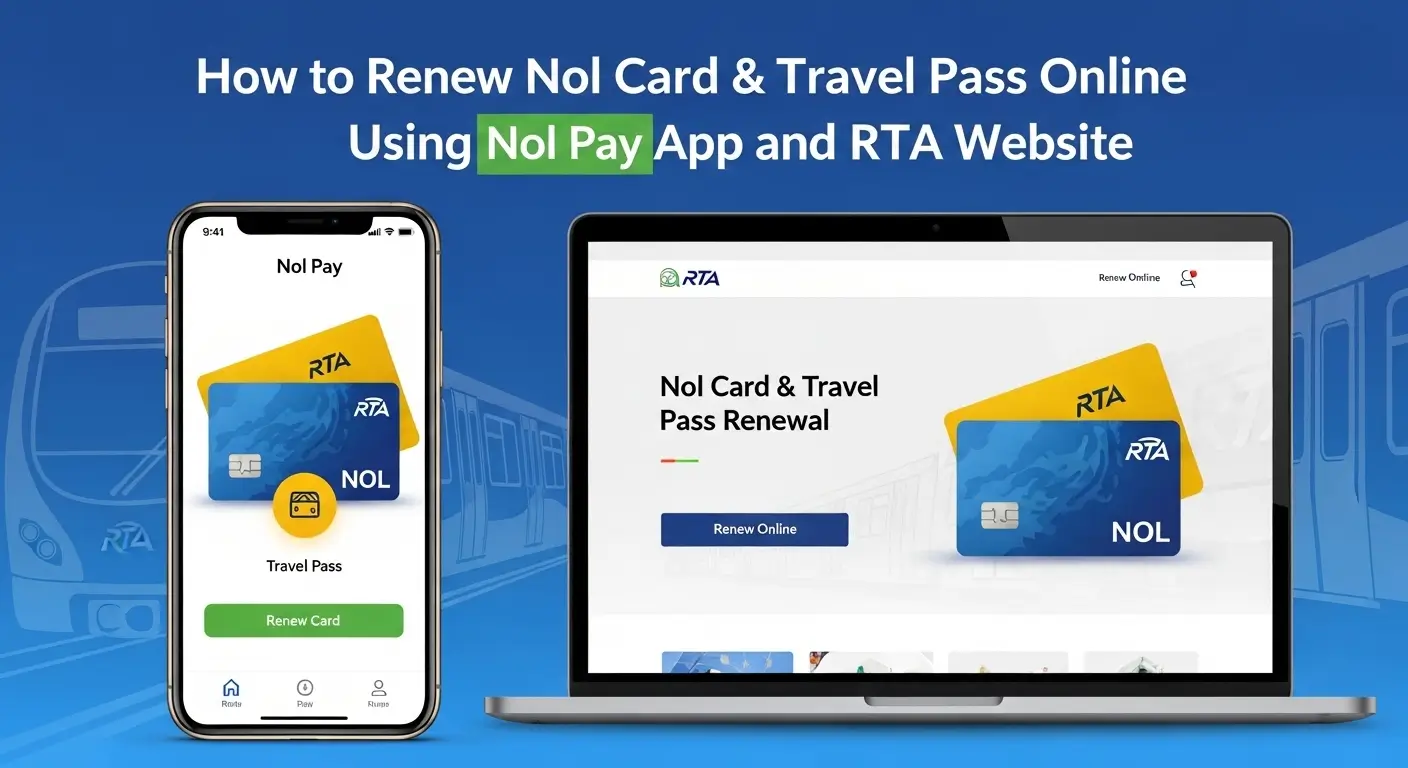
Waiting in long queues is something everyone wants to avoid. The good news is that your Nol card and travel passes can now be renewed in just a few taps on your phone.
This guide walks you through the simple steps to renew your Nol Card and Travel Passes online using the Nol Pay App and the RTA website, making the process quick, convenient, and completely stress-free.
Getting Started: Register Your Nol Card First
Getting started is simple. Before renewing your Nol card or travel passes, make sure your Nol card is registered in your name and that you understand the type of Nol card you own.
When you register a Nol card (usually a Blue Personal Nol Card), you can:
- Protect your balance if the card is lost or stolen
- Transfer balance and active travel passes to a new card
- Apply for student and senior citizen concessions
- Access full online Nol services via Nol Pay and the RTA website
RTA also allows Silver and Gold Nol Cards to be personalized and linked to your Emirates ID. However, most online renewals work best with the Blue Personal Nol Card, as it supports concession categories for students and seniors.
Check Nol Card Balance Online Before Renewal
Before renewing your Nol card or travel passes, always check your current balance, active passes, and card expiry.
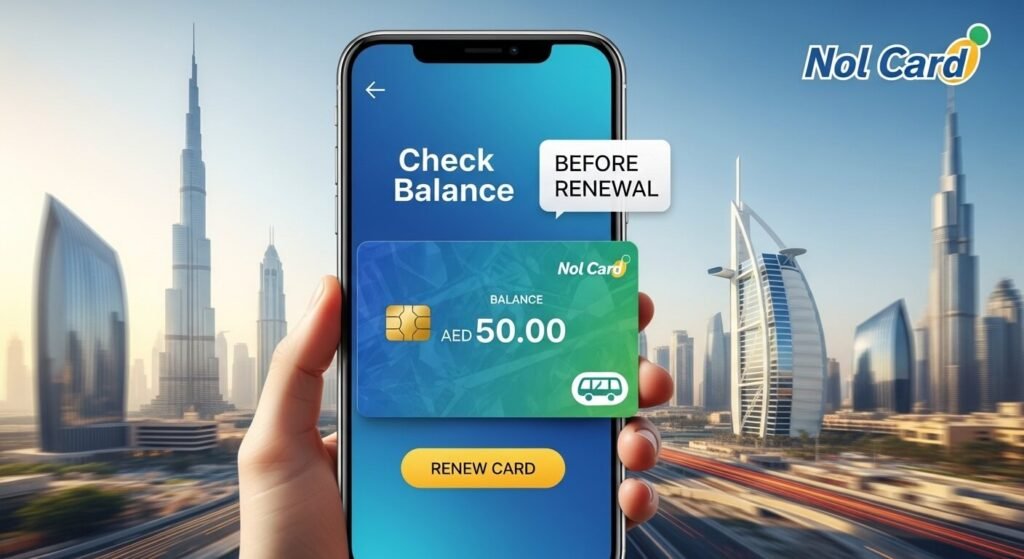
You can perform an RTA Nol card check balance online using:
- RTA Website – Check Nol Balance
- Nol Pay App
- RTA Dubai App
Steps to Check Nol Card Balance Online
- Visit the official RTA website
- Open the Nol section and select Check Nol Balance
- Enter your Nol Tag ID
- Click Search
- View your balance, pending credit, and card expiry date
On the Nol Pay App, simply select your card to view balance, recent trips, or scan the card using NFC.
This check helps you determine whether you need:
- A new travel pass
- A quick RTA Nol card top-up
- Full RTA Personal Nol card renewal
Renew Travel Passes Using Nol Pay App (Monthly & Weekly)
The Nol Pay App is the easiest and fastest way to renew travel passes on your phone. You can add passes, top up your Nol card, and manage all card details anytime, anywhere.
How to Renew RTA Nol Card Monthly or Weekly Pass
- Download and open the Nol Pay App
- Log in using UAE Pass
- Add your Nol card (via NFC or card number)
- Select Renew Travel Pass
- Choose pass duration (7-day, 30-day, etc.)
- Select travel zone (1, 2, or all zones)
- Pay using your bank card
- Virtual Nol Cards usually activate instantly
- Plastic Nol Cards may require tapping at a metro gate or validator to write the pass via NFC
If you frequently use the metro, keeping the Dubai Metro Map handy ensures a smoother journey.
Renew Travel Pass Online via RTA Website
You can also renew Nol travel passes online using the RTA website, if you prefer a browser-based option.
Steps for Online Travel Pass Renewal
- Visit the official RTA website
- Select Nol Services → Renew Travel Pass
- Enter your Nol card number
- Choose your travel zone
- Select pass validity (7 or 30 days)
- Complete payment online
For plastic cards, the pass may show as pending. Activate it by tapping your card at a metro gate, validator, or ticket machine once.
Then, perform another RTA Nol card check balance online to confirm activation.
To avoid travel disruptions, regularly check your Nol card balance history.
RTA Personal Nol Card Expiry & Renewal (Blue Card)
The Blue Personal Nol Card offers extra benefits, including 50% discounts for students, UAE senior citizens, and eligible concession groups. It contains your name and photo.
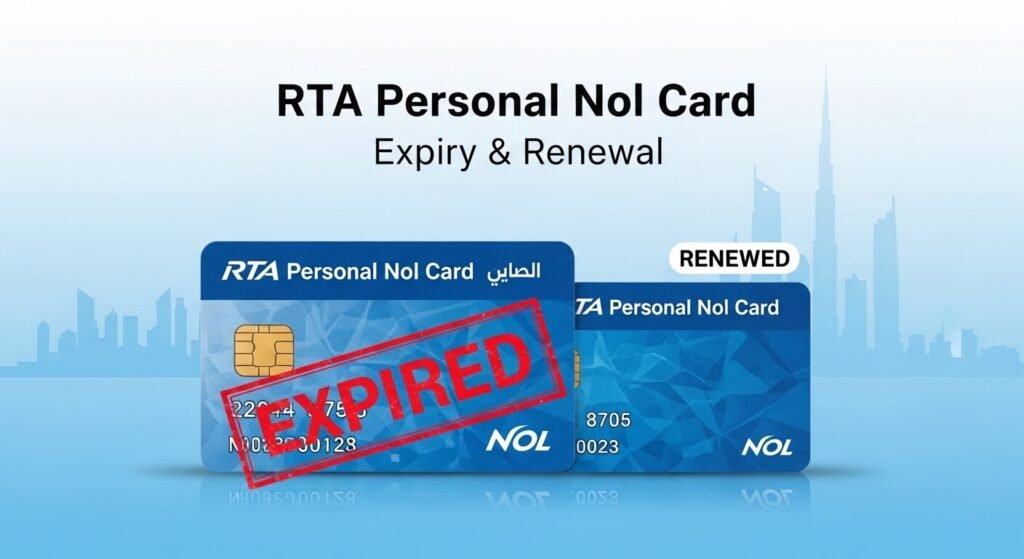
How to Renew an Expired Personal Nol Card
- Open the expired Nol card in your Nol Pay or RTA account
- If the Renew option appears, follow the steps and pay the fee
If online renewal is unavailable, you may need to submit a new Personal Nol Card request. RTA will then process balance and travel pass transfers.
Always keep confirmation emails and screenshots until your balance and passes are fully verified.
RTA Nol Card Top-Up vs Monthly Pass
Both options are useful, depending on how often you travel.
Use RTA Nol Card Top-Up If:
- You travel only a few times a week
- Your routes or plans change frequently
- You prefer pay-as-you-go flexibility
Top-ups can be done via Nol Pay, the RTA website, ticket machines, or customer service centers.
Use RTA Nol Card Monthly Pass If:
- You travel almost daily
- You cross multiple zones regularly
- You want a fixed and predictable monthly cost
You can also combine both, keeping a monthly pass for work trips and extra balance for occasional journeys.
Student Nol Card: Renewal & Travel Passes
A Student Nol Card is a Blue Personal Nol Card with student concession status and ISIC benefits.
Key Points
- Students (approximately ages 6–23) receive 50% public transport discount
- ISIC benefits include shopping and travel discounts
Before renewal:
- Confirm your student profile is still valid
- Submit updated documents if required
- Ensure the app shows Student Concession before buying a new pass
Senior Citizen Nol Card: Renewal & Discounts
The RTA Nol Card for Senior Citizens is also issued under the Blue Personal category.
Standard Renewal Process
- Apply or renew as a Senior Citizen Blue Card
- Submit Emirates ID and age verification (usually 60+)
- Once approved, manage balance and passes online
- Renew travel passes at concession prices
Quick Checklist: Renew Nol Card & Travel Pass Today
- Register your Nol card if it’s still anonymous
- Check balance, passes, and expiry online
- Renew travel passes via Nol Pay or RTA website
- Initiate Personal Nol Card renewal if nearing expiry
- Activate student or senior citizen concession before payment
FAQs About Renewing Nol Card & Travel Passes
No. You can renew your Nol card, check your balance, top up, and purchase travel passes completely online using the Nol Pay App, RTA Dubai App, or the RTA website.
It’s best to check your Nol card balance before renewing any travel pass and at least once a month to prevent travel disruptions.
No. Your concessions remain active as long as your student or senior citizen profile is valid and approved in the RTA system.
No. Personal Nol Cards, especially Blue Cards, may require additional steps such as submitting a new card request or verifying personal details.
A monthly travel pass is more cost-effective if you travel daily, cross multiple zones, or prefer a fixed monthly fare instead of pay-per-trip charges.
Conclusion
You no longer need to stand in queues or visit kiosks. The easiest and most reliable method is to Renew Nol Card & Travel Passes via the Nol Pay App and the RTA Website.
- Register your Nol card once
- Check balance online regularly
- Renew travel passes digitally
- Manage card expiry in advance
- Keep student or senior discounts active
Do it once carefully, and managing your Nol card becomes a smooth, stress-free routine